

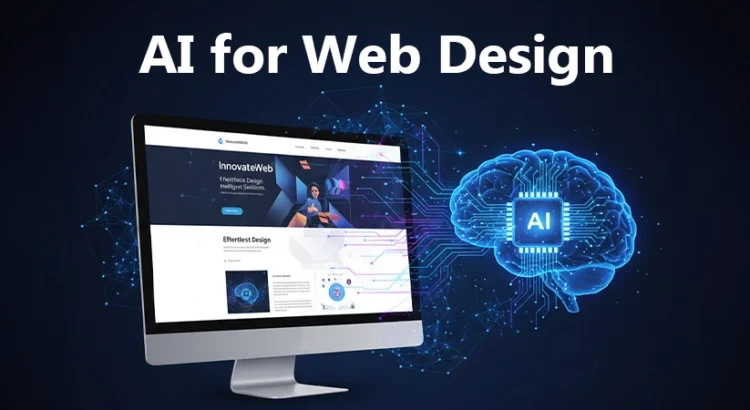
AI for web design has rapidly evolved from an experimental concept into a practical, results-driven approach that is reshaping how modern websites are created and optimized.
At its core, artificial intelligence helps designers and businesses automate complex tasks, analyze user behavior, and enhance the creative ideas already developed by professional website designers. Rather than replacing human creativity, AI supports design teams by speeding up execution, reducing errors, and refining concepts into more engaging and functional digital experiences.
As competition in the digital space intensifies, websites are no longer judged only on aesthetics. Performance, personalization, usability, and adaptability now define success. By leveraging intelligent systems alongside human expertise, businesses can design websites that better respond to user intent, adapt to behavior patterns, and improve continuously over time.
This balanced approach explains why designers, developers, and brands are embracing AI-driven tools as creative partners, not creative replacements, to stay competitive and future-ready.
Benefits of Using AI for Website Design
Artificial intelligence is not replacing designers. Instead, it is enhancing their capabilities by handling data-heavy and repetitive tasks while allowing creative professionals to focus on strategy, storytelling, and innovation. Below are the key benefits that explain why AI-driven solutions are becoming essential in modern website projects.
1. Faster Website Development and Prototyping
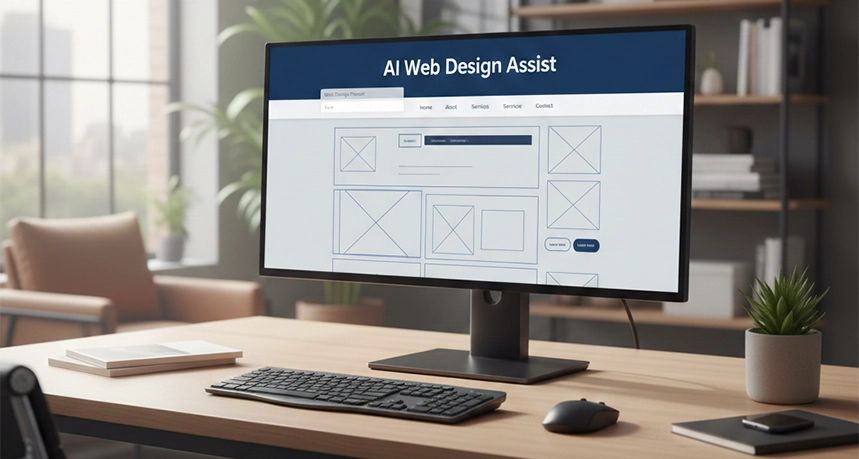
One of the most immediate advantages of using AI is speed. AI-powered tools can generate layouts, wireframes, and interactive prototypes within minutes. Instead of building each page element manually, designers can input goals, brand preferences, and functional requirements to receive ready-to-test designs.
This acceleration shortens project timelines and allows teams to validate ideas earlier in the process. Rapid prototyping also makes it easier to experiment with multiple design directions without increasing costs or workload. As a result, businesses can move from concept to launch much faster while maintaining quality.
2. Enhanced User Experience through Personalization
AI systems excel at analyzing user behavior, including browsing patterns, time spent on pages, and interaction history. By processing this data in real time, websites can deliver personalized content, navigation paths, and recommendations tailored to individual users.
This level of personalization improves engagement and satisfaction because visitors see content that aligns with their interests and needs. Over time, these dynamic experiences help increase conversions, reduce bounce rates, and strengthen brand trust across digital touchpoints.
3. Improved Design Accuracy and Consistency
Maintaining visual consistency across a large website can be challenging, especially when multiple designers and developers are involved. AI tools help enforce design rules by automatically checking spacing, alignment, typography, and color usage.
These systems reduce human errors and ensure that branding elements remain consistent across pages and devices. For businesses with strict brand guidelines, this accuracy is critical for maintaining a professional and recognizable online presence.
4. Cost Savings and Resource Optimization
Automating repetitive tasks such as resizing images, adjusting layouts for different screens, and testing variations significantly reduces manual effort. This efficiency lowers development costs and allows teams to allocate resources more strategically.
For small businesses and startups, this means access to high-quality design capabilities without the need for large teams. For enterprises, it means scaling design operations without proportional increases in budget.
5. AI-Driven Insights for Better Decision-Making
AI-powered analytics tools transform raw data into actionable insights. By tracking user interactions and engagement metrics, AI highlights what works and what does not within a website’s design.
Designers can make informed decisions based on evidence rather than assumptions. This data-backed approach improves usability, optimizes content placement, and increases the overall effectiveness of the website over time.
6. Predictive User Behavior and Interaction Optimization
Advanced AI models can predict how users are likely to behave before changes are even implemented. These predictions help optimize call-to-action placement, form design, and content flow.
By anticipating user needs, websites become more intuitive and conversion-focused. This proactive optimization reduces friction and guides visitors smoothly toward desired actions.
7. Automated SEO and Performance Enhancements
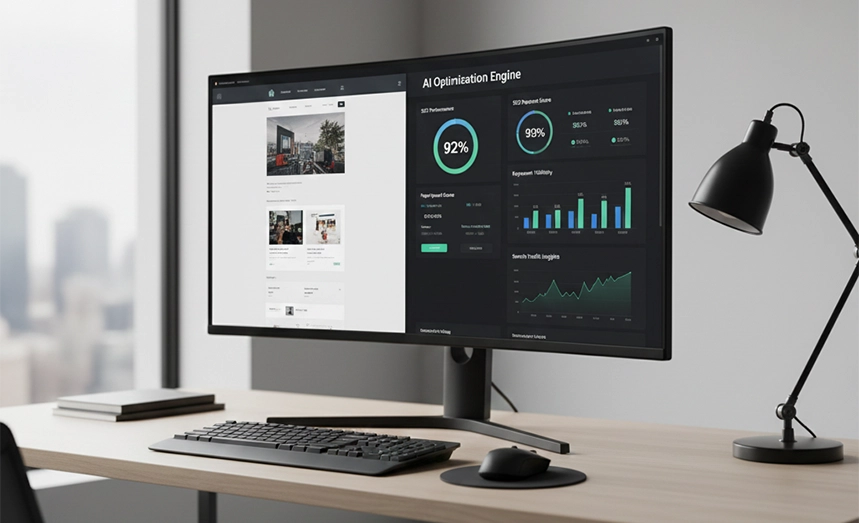
AI tools now assist with technical and on-page optimization by suggesting metadata, improving page structure, and identifying performance bottlenecks. They analyze search trends and user intent to align design elements with SEO best practices.
This automation ensures that websites are not only visually appealing but also discoverable and fast-loading, which are critical factors for search visibility and user retention. In practice, these AI-driven insights are most effective when interpreted alongside the strategic guidance of trusted SEO experts, ensuring technical recommendations align with long-term organic goals.
Different Ways to Use AI in Web Design
AI has moved far beyond simple chatbots. In 2026, intelligent systems are integrated into every stage of the website lifecycle, from planning and design to optimization and ongoing management.
1. Automated Layout and Generative Design
Tools like Framer AI and Wix AI allow designers to generate fully responsive layouts using a single text prompt. These layouts are built based on industry standards and user experience principles, rather than static templates.
The result is unique site structures that adapt to different screen sizes and content needs. Many of these systems also generate complementary visual elements that blend seamlessly with the overall design.
2. Dynamic Content Optimization
Generative systems can now create brand-aligned visuals, images, and copy in real time. When a visitor arrives from a specific industry or demographic, the website can automatically adjust headlines, imagery, and messaging to match that context.
This dynamic approach improves relevance and engagement, ensuring that users feel the website speaks directly to their needs.
3. Predictive Usability Modeling
Before a website goes live, AI simulators can predict user behavior by analyzing layout complexity, visual hierarchy, and interaction patterns. These predictions highlight potential friction points that might cause users to leave or feel confused.
By addressing these issues early, teams save weeks of manual testing and launch websites that perform better from day one.
4. Agentic AI Co-Pilots
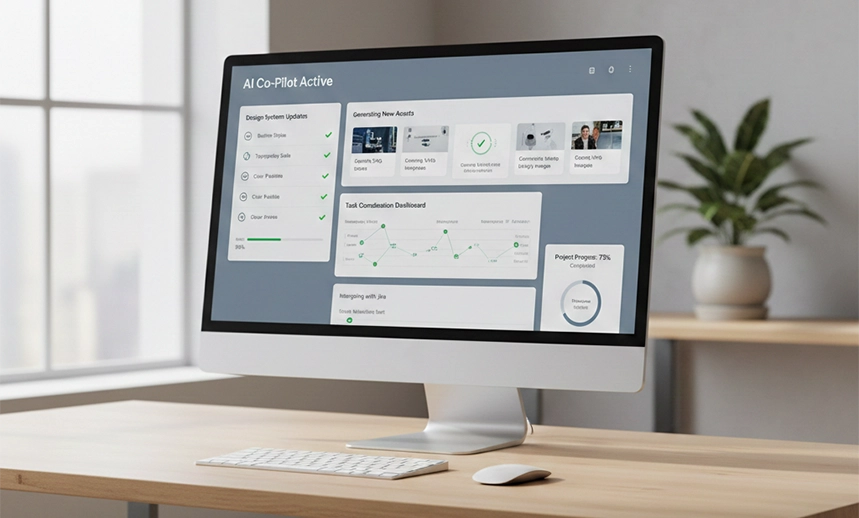
Agentic systems act as advanced digital assistants that manage workflows across platforms. Designers can issue complex instructions, such as updating design systems, generating new assets, and coordinating tasks with development teams.
These co-pilots streamline collaboration and reduce the operational overhead associated with large-scale website projects. This is also where AI-generated web design workflows become most powerful, enabling seamless execution from concept to deployment.
Essential AI Web Design Tools
The growing ecosystem of tools built around AI in web design has transformed how professionals approach creativity, development, and optimization. These tools are no longer optional enhancements but core components of modern workflows.
1. Design and Layout Tools
- Framer AI: Framer AI converts simple text prompts into responsive website layouts with smooth animations and interactions. It is widely used for building visually polished landing pages quickly without sacrificing design quality.
- Wix Studio AI: Wix Studio AI focuses on smart responsiveness. Its AI assistant automatically adjusts layouts, grids, and spacing across devices, reducing the need for manual design adjustments and ensuring consistent user experiences.
- Figma AI: Figma AI supports designers during the creative process by automatically organizing layers, suggesting spacing improvements, and flagging accessibility issues. This helps maintain clean, consistent designs in collaborative environments.
- v0 (by Vercel): v0 bridges the gap between design and development by turning UI descriptions or screenshots into production-ready React and Next.js code. It speeds up frontend development while maintaining design accuracy.
2. Content and Visual Tools
- Adobe Firefly: Adobe Firefly integrates generative features directly into creative workflows, allowing designers to extend backgrounds, replace elements, and generate visuals while maintaining brand style and realism.
- Midjourney V7: Midjourney V7 is known for producing high-quality, artistic visuals that work well for hero sections and conceptual website imagery, helping brands stand out visually.
- Nano Banana Pro: Nano Banana Pro is designed for web-focused visuals and excels at rendering clear, readable text inside generated images, making it useful for banners and promotional sections.
- Copy.ai: Copy.ai specializes in generating short- to mid-form website copy such as headlines, product descriptions, landing page sections, and ad creatives, with a strong focus on speed and brand consistency.
- Jasper: Jasper is geared toward long-form and SEO-driven content creation. It helps teams produce blog articles, pillar pages, and structured website content aligned with search intent and ranking strategies.
3. User Experience and Analytics Tools
- Hotjar AI: Hotjar AI analyzes thousands of user recordings and heatmaps to identify behavioral patterns. Its AI automatically highlights frustration signals such as rage clicks and hesitation points. This helps teams quickly improve usability without manual session reviews.
- Microsoft Clarity: Microsoft Clarity applies AI to user session data, tracking clicks, scroll depth, and interaction flow. It detects usability trends and anomalies across pages. These insights support data-driven UI and layout improvements.
- Predictive Usability Optimizer: This tool simulates large-scale user interactions before a site goes live. By predicting heatmaps and conversion behavior, it identifies potential friction points early. Teams can refine layout and content flow before launch.
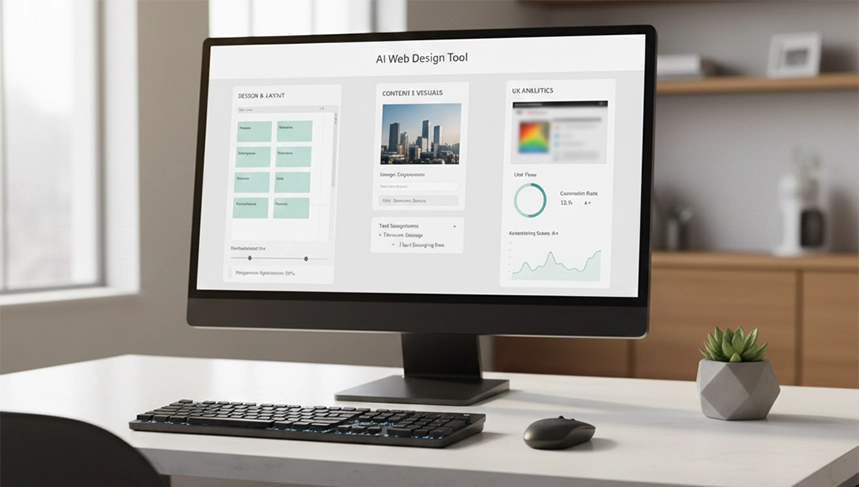
AI in UX/UI Design
AI in website design plays a crucial role in aligning visual elements with user intent. By continuously learning from user interactions, AI refines navigation, layout flow, and content prioritization.
This adaptive approach ensures that websites evolve alongside user expectations. Designers can focus on strategic decisions while AI handles iterative optimization, resulting in more intuitive and effective digital experiences.
Challenges and Limitations of AI in Web Design
Despite the progress, the “human in the loop” remains more important than ever. Over-reliance on automation can lead to a “sea of sameness,” where websites begin to look and feel identical because they are all being optimized by the same algorithms.
- Loss of Creativity: When designers depend too heavily on AI-generated suggestions, there is a risk of playing it safe. AI often recommends what is statistically “optimal,” which can discourage experimentation and limit bold, unconventional design choices that help brands stand out.
- Nuance and Context Limitations: AI systems can struggle to understand cultural depth, emotional tone, or unconventional brand personalities. Subtle storytelling, humor, and culturally sensitive design elements still require human judgment and emotional intelligence to execute effectively.
- Ethical and Legal Concerns: The use of AI-generated content introduces ongoing questions around copyright ownership, data sourcing, privacy, and misuse. Designers must remain cautious about where training data comes from and how generated content is applied to avoid ethical and legal risks.
- Need for Human Oversight: AI outputs are not final answers. Every design, layout, or piece of content generated by AI requires human review to ensure accuracy, brand alignment, and technical reliability. Without proper oversight, issues such as incorrect assumptions, biased outputs, or technical inconsistencies can easily slip through.
The Future of AI in Website Design
The future of AI for website design is moving beyond flat, two-dimensional screens into more immersive and interactive experiences. As spatial computing and mixed reality continue to grow, websites will start to feel more like digital spaces than static pages. AI will support the creation of 3D web environments where users can explore content visually, interact with elements more naturally, and experience information in a more engaging way.
At the same time, voice-first web design is becoming more common. Instead of clicking through menus or scrolling endlessly, users will increasingly interact with websites through natural conversation. AI will manage the complex process of understanding voice commands and translating them into real-time visual and structural changes on the screen. This shift is closely tied to adaptive design, where a website does more than resize for different devices. It intelligently adjusts its layout, content, and interactions to match the user’s context, behavior, and goals, creating experiences that feel more personal and responsive.
Conclusion
The transformation brought about by AI for web design is not a passing trend; it is a permanent shift in how we build the digital world. By automating the mundane and supercharging the creative, artificial intelligence allows us to build websites that are more human-centric, accessible, and effective than ever before. However, the true power of these tools lies in the hands of the designers who use them.
As we move forward, the most successful brands will be those that strike the perfect balance between algorithmic efficiency and human intuition. We encourage designers and businesses to embrace these tools thoughtfully, using them to enhance their unique vision rather than replace it. The future of the web is intelligent, but it is the human touch that will continue to make it meaningful.