


Shopify store setup has become a crucial step for businesses looking to establish or strengthen their e-commerce presence. As Shopify continues to grow as a leading e-commerce platform, business owners are realizing that a simple, basic store is no longer enough to stand out in a highly competitive digital marketplace. A well-planned and professionally executed Shopify store setup ensures that your online store is not only visually attractive but also functional, scalable, and designed to drive conversions.
Professional Shopify store development services bring together strategic design, technical expertise, and business-focused solutions to create high-performing online stores tailored to your brand. This beginner’s guide will cover every critical aspect of Shopify development, from planning and store setup to advanced customization, cost considerations, and emerging trends, helping business owners make well-informed decisions at every stage.
Benefits of Shopify Store Setup for Business Owners
Investing in professional Shopify store creation offers numerous advantages for businesses of all sizes. Each benefit contributes directly to revenue growth, improved customer experience, and long-term scalability.
Fully Customized Store
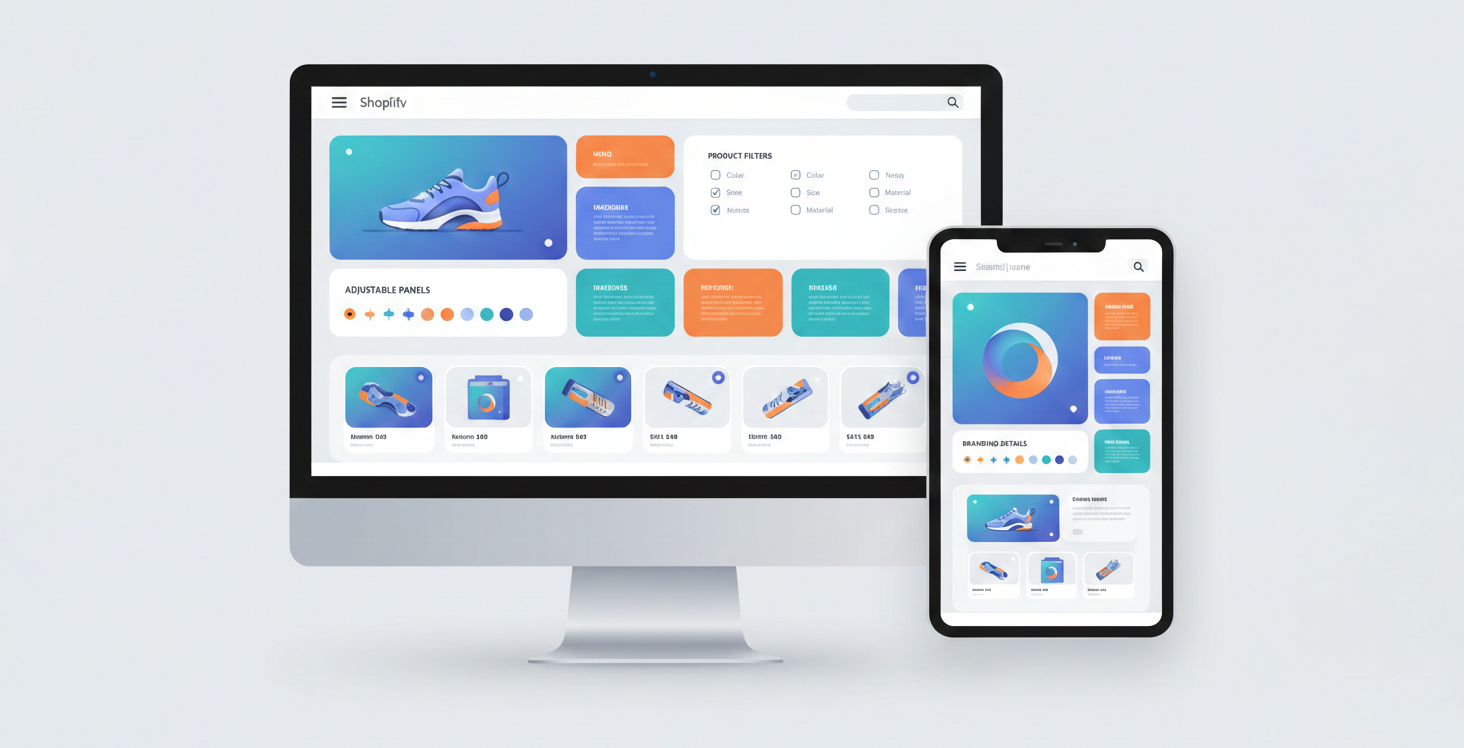
A professionally developed Shopify store can be fully customized to reflect your brand’s unique identity. From layouts and color schemes to custom functionality and advanced product filters, professional Shopify developers ensure that every element aligns with your business goals. This level of customization enhances your brand perception and sets your store apart from competitors using standard templates.
DIY-Friendly Platform
Shopify makes it easy for business owners to build and manage their own stores without deep technical knowledge. Its intuitive drag-and-drop editor, pre-built themes, and app marketplace allow even beginners to create functional, attractive online stores quickly. This DIY-friendly nature helps businesses save time and get online faster while still having the option to scale or hire Shopify experts for advanced customizations later.
Better User Experience
User experience (UX) is crucial in e-commerce. Shopify development focuses on designing intuitive navigation, clear product categorization, and a smooth checkout process. By streamlining these elements, customers can browse and purchase products effortlessly, reducing bounce rates and cart abandonment.
Higher Conversions
A store optimized for usability, speed, and persuasive design leads to higher conversion rates. Shopify development enables features like quick add-to-cart buttons, personalized recommendations, and exit-intent popups that encourage customers to complete their purchases.
Scalability for Growth
As your business grows, your online store must scale without compromising performance. Professional development ensures your Shopify store can handle increased traffic, product catalogs, and complex workflows. Features like headless commerce architecture, automated inventory management, and third-party integrations support seamless expansion.
Faster Performance
Speed is critical for online shopping. Shopify developers optimize website performance by refining code, compressing images, and reducing unnecessary scripts. Fast-loading pages enhance user satisfaction and boost search engine rankings.
Better Security
Security is a non-negotiable aspect of e-commerce. Shopify development includes setting up secure payment gateways, SSL certificates, and regular updates to protect sensitive customer data. A secure store builds trust and reduces the risk of cyberattacks.
Seamless Third-Party Integrations
Many businesses rely on external tools for CRM, accounting, email marketing, and logistics. Professional Shopify developers ensure smooth integration with these systems, creating a cohesive ecosystem that automates operations and improves efficiency.
Who Needs Shopify Development?
Shopify development is not just for startups; businesses of varying sizes and models can benefit from professional expertise.
- New businesses launching online: A professional store ensures a strong first impression and operational efficiency from day one.
- Growing e-commerce brands: Expanding businesses require advanced features, performance optimization, and scalable solutions.
- DTC brands: Direct-to-consumer brands benefit from tailored Shopify solutions that enhance customer experience and retention.
- Enterprises with complex requirements: Large businesses often need custom checkout processes, automation, and third-party integrations that demand professional development.
- Businesses migrating from WooCommerce, Magento, or custom platforms: Migration requires careful planning to maintain SEO, product data integrity, and functionality.
For a detailed walkthrough of the migration process, read: WooCommerce to Shopify Migration: A Beginner-Friendly Guide.
Step-by-Step Shopify Store Setup Process
This tutorial on how to set up a Shopify store guides business owners through a structured process that ensures their store meets business goals, delivers a seamless user experience, and supports long-term growth.
Step 1: Initial Consultation (Strategy & Planning)
The first step in Shopify development focuses on understanding your business, target market, and long-term objectives before choosing Shopify plans or features.
Understanding Business Goals
Developers assess the company’s vision, revenue targets, and growth strategy to tailor the development approach. This ensures the final store supports both short-term and long-term business objectives.
Target Audience and Buyer Persona Analysis
Understanding your customers’ demographics, behavior, and preferences helps shape design, navigation, and features. Reputed Shopify web developers emphasize building stores that resonate with the target audience.
Competitor Research
Analyzing competitors provides insights into market trends, successful strategies, and potential gaps. This research guides decisions on design, product presentation, and unique value propositions.
Business Model Review (B2C, B2B, DTC)
Different business models have varying requirements. B2B stores may need bulk ordering or custom pricing, while DTC brands focus on personalized experiences. Developers adjust the store setup accordingly.
To explore advanced wholesale features, tiered pricing models, and automation strategies tailored for business buyers, read Shopify for B2B: Strategies to Boost Your Business Revenue.
Discussion of Budget, Timeline, and Expectations
Defining budget and timeline early helps set realistic expectations for development cost, features, and project milestones.
Shopify Plan Selection
Once the business strategy is clear, the right Shopify plan is chosen based on needs. Factors like sales volume, product count, and required features influence the choice.
Factors to consider when selecting a plan:
- Monthly sales volume
- Number of products
- Need for custom checkout
- Automation requirements
- Third-party integrations
Overview of Shopify Plans:
- Basic Plan: This plan is ideal for solo entrepreneurs and small businesses getting started online. It includes essential store features, basic reporting tools, and is the most affordable option at $29 USD per month when billed yearly.
- Grow Plan: Designed for small teams, the Grow Plan offers more advanced reporting and additional tools to manage your store efficiently. It starts at $79 USD per month, billed yearly.
- Advanced Plan: The Advanced Plan is suitable for businesses that are scaling. It provides advanced analytics, reduced transaction fees, and better support for growing product catalogs. The cost is $299 USD per month, billed yearly.
- Plus Plan: For larger or more complex businesses, the Plus Plan includes custom checkout options, automation capabilities, and support for headless commerce setups. This premium plan starts at $2,300 USD per month, billed yearly.
Your Shopify development approach will depend heavily on the plan you choose.
Step 2: Store Setup
The store setup phase is critical because it establishes the foundation of your Shopify store. Proper setup ensures your store runs smoothly, complies with regulations, and is ready to showcase your products.
Domain Setup
Your domain represents your brand online. Shopify allows you to buy a new domain or connect an existing one. Professional Shopify developers recommend a domain that is short, memorable, and aligned with your brand identity. SSL certificates are automatically included, ensuring secure browsing for your customers.
Shopify Account Configuration
After domain setup, configure your Shopify account with proper admin privileges, staff accounts, and store ownership details. This step ensures smooth access management and administrative control over your store operations.
Basic Store Settings
Configure essential settings such as currency, language, time zone, and regional preferences. These settings affect pricing, taxes, and shipping calculations. Setting these correctly at the beginning prevents errors during checkout.
Shipping and Tax Setup
Shipping and tax setup involves defining rates, regions, and delivery methods. You can offer flat rate, free shipping, or real-time carrier rates. Tax rules vary by region and need careful configuration to remain compliant.
Legal Pages
Creating legal pages is essential for credibility and compliance. Shopify provides templates for Privacy Policy, Terms of Service, and Refund Policy, which can be customized according to your business practices.
Step 3: Theme Installation
The theme determines the visual layout and first impression of your store. Choosing the right Shopify theme is a strategic decision.
Choosing Between Themes
- Free Shopify Themes: Ideal for small stores or testing the platform. Limited customization but quick to set up.
- Premium Themes: Paid themes with advanced features, flexible layouts, and dedicated support. Suitable for businesses needing professional design without custom coding.
- Custom-Built Theme: Developed from scratch to match brand identity and specific requirements. Best for large-scale or unique stores requiring advanced features.
For a detailed comparison to help you decide which option fits your store best, check out Free vs Paid Shopify Themes: Which One Is Right for Your Store?.
Installing and Activating the Theme
Once a theme is selected, it needs to be installed and activated. This ensures the store layout, design elements, and core features are applied and ready for further customization.

Step 4: Theme Customization (Front-End Development)
Customization ensures the store aligns with your brand identity while optimizing user experience.
- Branding Alignment: Integrate your logo, brand colors, and typography to maintain consistency across the store.
- Homepage Layout Design: Design a homepage that clearly communicates your value proposition, features high-converting banners, and guides visitors to products.
- Product Page Optimization: Ensure product pages highlight benefits, include high-quality images, pricing, reviews, and persuasive calls-to-action.
- Mobile-First Responsive Design: Over half of e-commerce traffic comes from mobile devices. Ensure your store looks and functions perfectly on smartphones and tablets.
- Conversion-Focused UX: Optimize layout, navigation, and interactive elements to reduce friction and boost conversions.
Step 5: Product Management
Proper product management ensures smooth navigation and sales.
- Adding Products: Enter titles, descriptions, SKU numbers, and pricing.
- Writing Product Descriptions: Focus on benefits, unique selling points, and persuasive copy that encourages purchase.
- Product Images and Optimization: Use high-quality images optimized for web performance to prevent slow loading.
- Organizing Collections and Categories: Structure products into categories and collections for easy browsing.
- Inventory Management Setup: Track stock levels and integrate with inventory tools if needed for automation and efficiency.
Step 6: Payment Gateway Setup
A reliable payment system is critical for conversions and trust.
- Shopify Payments: Shopify’s native gateway simplifies setup and reduces transaction fees.
- Third-Party Gateways: Options like Razorpay, PayPal, and Stripe provide localized and international payment flexibility.
- Multiple Payment Options: Offering credit/debit cards, wallets, and UPI increases conversion rates.
- Security and Transaction Reliability: Payment gateways must comply with PCI DSS standards, ensuring data protection and secure transactions.
Step 7: App Integration & Custom Features
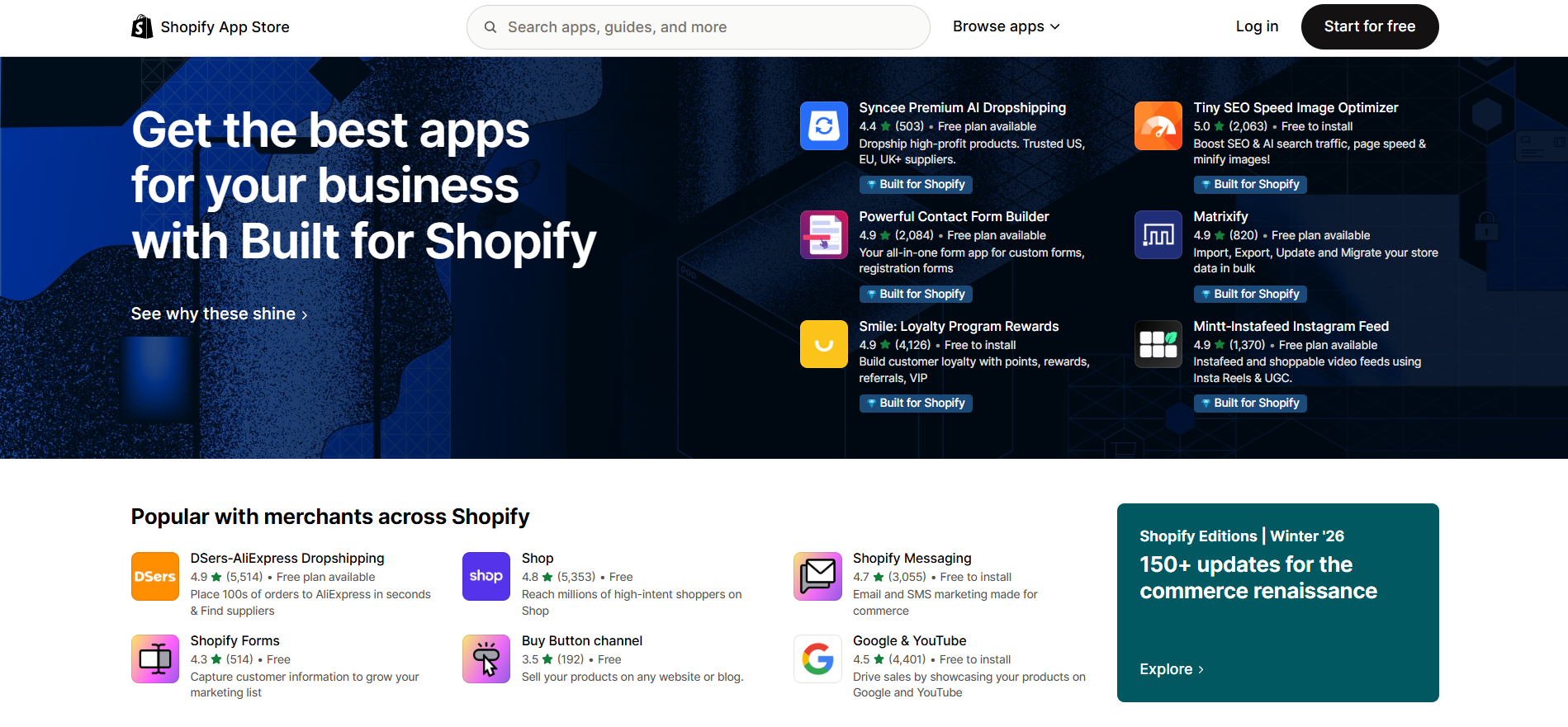
Shopify Apps extend functionality beyond native Shopify features.
- Installing Essential Apps:
- Email marketing (for newsletters, automation, and campaigns)
- CRM (customer relationship management for personalized service)
- Inventory management (automate stock tracking and notifications)
- Analytics (Google Analytics, Shopify reports, and dashboards)
- Custom App Development: Tailored solutions for unique business workflows or advanced functionality.
- API Integrations: Connect with ERP, CRM, accounting, or logistics software for automated workflows.
For a detailed breakdown of widely used tools that support marketing, automation, conversions, and store management, refer to Best Shopify Apps for 2026: 10 Must-Have Tools for Online Stores.
Step 8: Performance Optimization
Fast-loading stores improve user experience and SEO.
- Page Speed Improvements: Minimize scripts, leverage browser caching, and optimize CSS/JS files.
- Reducing Unnecessary Apps: Fewer apps mean less code bloat and faster load times.
- Image Optimization: Compress images without losing quality for quicker page rendering.
- Improving Core Web Vitals: Focus on metrics like LCP (Largest Contentful Paint), CLS (Cumulative Layout Shift), and FID (First Input Delay) to improve SEO and user satisfaction.
For a detailed walkthrough on improving store speed and performance, read Shopify Speed Optimization: Step-by-Step Guide to Faster Pages.
Step 9: SEO Setup
SEO is critical to attract organic traffic and drive sales.
- Technical SEO Basics: Implement sitemaps, robots.txt, and canonical URLs.
- Optimized URLs: Create descriptive, keyword-rich URLs for products and collections.
- Meta Titles and Descriptions: Craft compelling meta tags to improve click-through rates from search engines.
- Schema Markup: Use structured data to enhance rich snippets and product visibility.
- Product Page SEO: Include target keywords, alt text for images, and internal linking for improved rankings.
Step 10: Testing & Launch
Before launch, testing ensures a flawless shopping experience.
- Functionality Testing: Verify menus, search, filters, and forms.
- Mobile Testing: Check responsiveness on all screen sizes.
- Checkout Testing: Ensure smooth, error-free checkout flow.
- Payment Testing: Confirm transactions work across all gateways.
- Final Bug Fixes: Correct any layout, speed, or functionality issues.
- Store Goes Live: Once everything is validated, the store is officially launched.
Step 11: Training & Support
Proper training ensures your team can manage the store efficiently and confidently. Business owners should work closely with Shopify experts to gain hands-on guidance and best practices.
- Training Business Owners and Staff: Demonstrate how to manage products, orders, and customer interactions.
- Managing Products and Orders: Teach inventory updates, adding new products, and order fulfillment workflows.
- Shopify Dashboard Walkthrough: Provide a detailed overview of Shopify admin tools, reporting, and analytics.
- Post-Launch Technical Support: Developers offer ongoing assistance for bugs, updates, and improvements.
Step 12: Digital Marketing
Once the store is live, marketing drives traffic, engagement, and conversions.
- SEO Strategy for Shopify Store: Optimize product pages, blogs, and landing pages for search engines.
- Google Ads Setup: Target relevant audiences with paid search campaigns.
- Social Media Marketing: Promote products on platforms like Facebook, Instagram, and TikTok.
- Email Marketing Campaigns: Retain customers through newsletters, product recommendations, and promotions.
- Conversion Tracking and Analytics: Monitor traffic, sales, and marketing ROI for data-driven optimization.
Factors Affecting the Shopify Development Cost
The cost of Shopify development can vary widely depending on multiple factors, from design requirements to ongoing maintenance. Understanding these factors helps business owners plan budgets realistically and avoid unexpected expenses.
Design Complexity
One of the biggest drivers of cost is the complexity of the store’s design. Custom layouts, advanced UX/UI features, and specific branding requirements often require more time and technical expertise. Stores that demand unique visual elements or interactive components generally cost more than those using standard templates or minor customizations.
Number of Features
The functionality of your store also impacts development cost. Features like advanced product filters, robust search options, customer accounts, subscription models, and other specialized tools require additional development effort. The more features you include, the higher the overall cost, as each element must be tested and optimized for performance.
Shopify Plan Chosen
The Shopify plan you select affects both development and ongoing costs. Plans differ in feature availability, automation capabilities, reporting tools, and support for large product catalogs. Higher-tier plans may reduce the need for custom work but come with higher monthly fees, while lower-tier plans may require more development effort to add missing functionality.
Need for Custom Apps
Many stores require custom apps or integrations to meet specific business needs. Whether it’s connecting with third-party tools, setting up API integrations, or creating unique store functionalities, custom app development adds to both the complexity and cost of the project.
Ongoing Maintenance
Shopify development doesn’t end at launch. Regular updates to Shopify’s core system, themes, and apps are essential to maintain performance and security. Ongoing maintenance also includes SEO monitoring, backups, bug fixes, adding new products or features, and performance improvements. These activities ensure the store remains efficient, secure, and optimized for long-term growth, but they contribute to overall cost.
For a detailed breakdown of these costs and practical tips for budgeting, check out Shopify Development Cost: A Pricing Guide for Businesses.
How to Choose the Right Shopify Developer
Choosing the right Shopify web developer is essential for building a store that performs well, looks professional, and scales with your business. Each factor below helps ensure you make the right choice.
Portfolio and Case Studies
A developer’s portfolio demonstrates their skills, creativity, and the types of projects they have successfully completed. Reviewing case studies helps you see how they’ve handled businesses similar to yours, including design quality, feature implementation, and performance optimization. A strong portfolio indicates they can deliver a store that aligns with your goals.
Experience with Similar Businesses
Experience matters because different business models have unique requirements. Developers who have worked with DTC brands, B2B stores, or subscription-based businesses understand challenges like product organization, checkout optimization, and customer experience. Their past experience allows them to offer solutions tailored to your specific business type.
Shopify Certifications
Certified Shopify developers have demonstrated proficiency in store setup, theme customization, app integration, and platform best practices. While not the only indicator of skill, certification gives assurance that the developer is knowledgeable about Shopify’s features, updates, and technical requirements.
Communication and Transparency
Clear communication ensures your vision aligns with the final product. A good developer will explain timelines, discuss technical decisions, provide progress updates, and highlight potential challenges. Transparent communication helps avoid misunderstandings and ensures smooth project execution.
Development Cost
While cost is important, it shouldn’t be the sole deciding factor. A developer who charges slightly more but provides higher quality, reliability, and post-launch support can save you time, money, and headaches in the long run. Always weigh cost against value and expertise.
Post-Launch Support
Shopify development doesn’t end at launch. Post-launch support is essential for bug fixes, updates, feature additions, and ongoing optimization. A developer offering reliable support ensures your store continues to function smoothly as your business grows.
Common Challenges in Shopify Development and Solutions
Shopify development can come with its own set of challenges that, if not addressed, may affect store performance and customer experience. Slow website speed is a common issue, often caused by unoptimized images, heavy themes, or excessive scripts, which can be resolved through performance optimization and careful app management.
Speaking of apps, having too many installed can bloat your store, slow down loading times, and create conflicts, so it’s important to use only essential, high-quality apps that add real value. Poor mobile UX is another challenge, as more than half of e-commerce traffic comes from mobile devices; developers must prioritize responsive design and test the store on multiple devices to ensure smooth navigation and usability.
Complex checkout processes can lead to abandoned carts, so simplifying steps, offering autofill options, and providing multiple payment methods helps improve conversions. Finally, limited customization can restrict brand identity and functionality, which can be addressed by using custom themes, tailored code, or specialized apps to achieve the desired design and features without compromising performance.
Shopify Development Best Practices
Building a successful Shopify store requires more than just setting up products and a theme. This checklist of best practices helps ensure your store is user-friendly, performs well, and drives long-term growth. Following these practices is key to creating a high-performing Shopify store:
Prioritize UX
User experience (UX) is the backbone of a successful Shopify store. Focus on intuitive navigation, clear product layouts, and a smooth checkout process to ensure visitors can browse and purchase effortlessly. Good UX reduces bounce rates, improves customer satisfaction, and directly impacts conversions.
Optimize for Mobile
With a majority of online shoppers using smartphones and tablets, mobile optimization is essential. A responsive design that adapts seamlessly to different screen sizes, fast-loading pages, and easy-to-use touch interfaces ensures a frictionless mobile shopping experience.
Use Fewer but Powerful Apps
While Shopify apps can extend functionality, using too many can slow down your store and create conflicts. Choose apps that are reliable, multifunctional, and aligned with your business needs. Quality over quantity keeps your store fast, secure, and easy to manage.
Invest in SEO Early
Shopify SEO should be integrated from the start of development. Optimize product pages, meta titles, descriptions, URLs, and internal linking structures. Early investment in SEO ensures your store gains organic visibility, attracts the right traffic, and supports long-term growth.
Regular Updates and Maintenance
Ongoing maintenance is crucial to keep your store secure, functional, and compatible with new Shopify updates. Regularly update themes, apps, and Shopify core features, monitor performance, and fix any bugs promptly to maintain a seamless shopping experience.
Future of Shopify Development
Shopify development continues to evolve with technology trends:
- AI-powered tools: For personalized recommendations, marketing automation, and customer support.
- Headless commerce: Decouples front-end and back-end for faster, flexible experiences.
- Personalization: Tailored product recommendations and dynamic content.
- Faster and smarter e-commerce experiences: Focus on speed, usability, and automation to enhance user engagement.
Closing Thoughts on Shopify Store Setup
A professional Shopify store setup is more than just creating a store it is a strategic guide for business owners who want to succeed in the digital marketplace. From delivering an improved user experience and boosting conversions to enabling scalable growth and secure operations, the advantages are clear. By leveraging expert Shopify store development services, business owners can create stores that reflect their brand, engage customers, and support long-term success.
Whether you are launching a new store, migrating from another platform, or expanding an existing business, following a well-planned Shopify store setup guide is essential for achieving e-commerce excellence. Start planning today, consult with Shopify experts, and transform your online store into a powerful engine for growth.