

If you are a business owner, you may wonder how to advertise on Google Ads to attract customers who are actively searching for your products or services.
Google Ads is one of the most powerful online advertising platforms, helping businesses gain instant visibility across search results, websites, and video content. Unlike organic SEO, which takes time to build rankings naturally, paid advertising allows you to appear at the top of search results almost immediately.
This comprehensive Google Ads guide is specifically designed for beginners, small business owners, and startups ready to scale their growth. You will learn everything from setting up your first campaign to the advanced optimization techniques used by certified Google Ads experts to maximize return on investment and turn simple clicks into loyal customers.
What Is Google Ads?
Google Ads is an online advertising platform developed by Google, where advertisers bid to display brief advertisements, service offerings, product listings, or videos to web users. It was launched in October 2000 as Google AdWords, starting with only 350 advertisers. Today, it has evolved into a multi-billion dollar ecosystem that powers the majority of the internet’s commercial discovery.
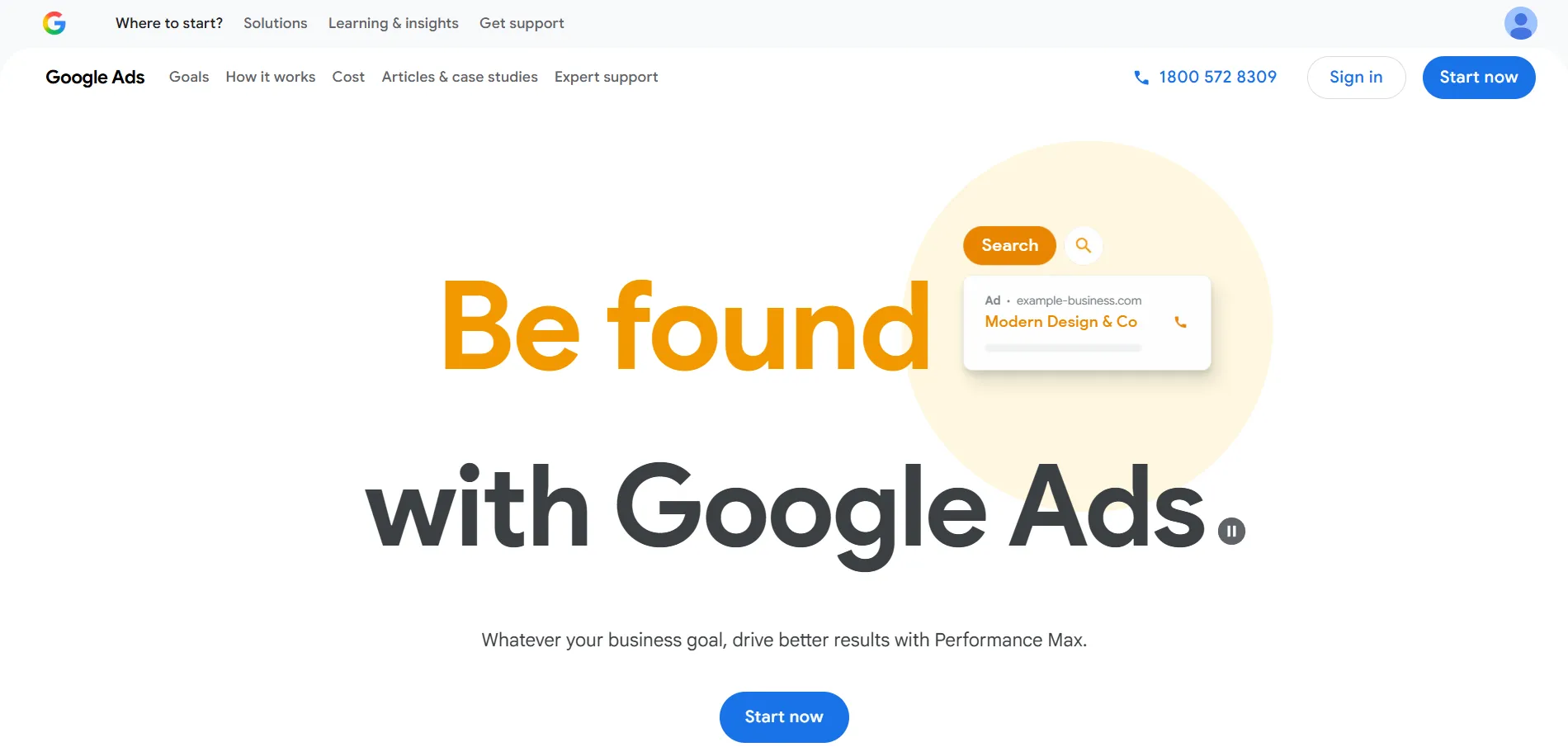
The platform operates on a massive scale, placing your message across various “properties” owned by Google or its partners:
- Google Search Results: The “Sponsored” links at the top and bottom of the search results page.
- Google Display Network: Visual banners that appear on over two million websites and apps.
- YouTube: Video ads that play before, during, or alongside content on the world’s largest video platform.
- Gmail: Sponsored messages that appear at the top of the “Promotions” or “Social” tabs in user inboxes.
- Google Shopping: Image-based product listings that appear when users search for specific physical goods.
- Partner Websites: Third-party sites that have opted into Google’s “AdSense” program to show ads to their specific niche audiences.
Types of Google Ads Campaigns
To achieve your specific business goals, you must first select the campaign type that best aligns with your objectives. Google’s ecosystem offers diverse formats ranging from simple text to immersive video to ensure your message reaches the right audience at the right time.
1. Performance Max Campaigns
This is Google’s most comprehensive, AI-driven campaign type. It allows you to access all Google Ads inventory, including YouTube, Search, and Maps, from a single campaign by using machine learning to find converting customers across the entire network.
2. Search Campaigns
These are the standard text ads that appear when users perform a Google search. They are highly effective for capturing high-intent traffic from people actively looking for a product or service like yours.
3. Display Campaigns
Using visually appealing banners and images, these ads appear while people are browsing millions of websites, apps, and Google-owned properties like Gmail. They are excellent for building brand awareness.
4. Video Campaigns
These allow you to run video ads on YouTube and other websites. They are perfect for storytelling, demonstrating product features, and engaging users through a more dynamic medium.
5. App Campaigns
If your goal is to increase mobile app installs or in-app engagement, this campaign automates your targeting and bidding across Google’s largest properties to find the most valuable users for your app.
6. Shopping Campaigns (or Performance Max with Merchant Center feed)
Essential for retailers, these ads show a photo of your product, its price, and your store name. You can run these through dedicated Shopping campaigns or integrate your Merchant Center feed into a Performance Max campaign for broader reach.
If you are still unsure which format fits your specific business model, you can consult this official Google Ads guide on choosing the right campaign type to see which settings match your goals.
Benefits of Advertising on Google
When looking at the benefits of Google Ads, it becomes clear why it dominates the digital marketing world. The following benefits are given below:
1. Massive Reach
Google handles trillions of searches every year. By using this platform, you gain access to a global audience of billions of daily searches. No other platform on earth allows you to tap into such a vast pool of potential customers at the exact moment they are thinking about a topic.

2. High Intent Traffic
Social media advertising often relies on “interruption marketing,” where you show an ad to someone while they are scrolling. On Google, you are practicing “intent marketing.” You are targeting users who are actively searching for solutions, making them much more likely to convert into paying customers.
3. Instant Visibility
SEO is a marathon, but Google Ads is a sprint. You can appear at the top of search results for highly competitive terms almost instantly. This is vital for new businesses that cannot afford to wait six months for organic traffic to kick in.
4. Precise Targeting Options
The granularity of Google’s targeting is unmatched. You can narrow your audience through:
- Location Targeting: Target a whole country or a 5-mile radius around your physical shop.
- Device Targeting: Show ads only to people on mobile devices or those at a desktop.
- Demographics: Filter by age, gender, or parental status.
- Audience Segments: Reach people based on their long-term interests or recent search behaviors.
5. Budget Control & Flexibility
You are never locked into a contract. You can set daily budgets as low as $5 and adjust your bids or pause your campaigns at any time. This flexibility allows small businesses to test the waters without a massive upfront commitment.
6. Measurable Performance
Every cent is accounted for. Through real-time analytics and conversion tracking, you know exactly which ad led to which sale. This data allows you to calculate your Return on Ad Spend (ROAS) with scientific precision.
7. Remarketing Opportunities
Google Ads allows you to “follow” previous visitors to your website. If someone looked at a product but didn’t buy, you can show them a targeted ad on YouTube or a news site a day later, re-engaging them and bringing them back to finish the purchase.
8. Competitive Advantage
With a smart Google Ads strategy, a local boutique can appear right next to a global retailer. On Google, the “best” ad often wins, not just the one with the deepest pockets.
9. Scalable Growth
Once you find a campaign that is profitable (e.g., you spend $10 to make $50), scaling is as simple as increasing your budget. Google Ads provides a predictable engine for growth.
10. Fast Testing & Optimization
You can run A/B tests on ad copies and landing pages simultaneously. Within a few days, you will have enough data to know which message resonates most with your audience, allowing for rapid-fire optimization.
How Advertising on Google Works
Understanding the “engine” under the hood is crucial for any Google Ads tips to make sense. Google Ads does not simply show the ad of the person who pays the most; it uses a complex auction to ensure the user gets a high-quality experience.
1. The Google Ads Auction System
Every time a user performs a search, an auction happens in milliseconds. Advertisers “bid” on keywords they want to trigger their ads. However, the winner is determined by Ad Rank, which is a formula consisting of:
- Bid Amount: The maximum you are willing to pay for a click.
- Quality Score: A measure of how relevant and useful your ad is.
- Expected Impact of Extensions: How much your “extra” info (like phone numbers) improves the ad’s performance.
2. What Is Quality Score?
Quality Score is Google’s way of ensuring that ads aren’t annoying or irrelevant. It is based on three pillars:
- Expected Click-Through Rate (CTR): How likely Google thinks people are to click your ad.
- Ad Relevance: How closely your ad matches the user’s search query.
- Landing Page Experience: How fast, useful, and easy-to-navigate your website is. A high Quality Score can actually make your Google Ads cost lower than your competitors’ while keeping you at the top of the page.
3. Cost Structure
You have several ways to pay:
- CPC (Cost-Per-Click): You pay when someone clicks.
- CPM (Cost-Per-Thousand-Impressions): You pay for every 1,000 times your ad is shown (common in Display/Video).
- CPA (Cost-Per-Acquisition): You pay based on a specific action, like a sale.
- Smart Bidding: Using Google’s AI to automatically set bids to get the most conversions within your budget.
4. How Ads Appear on Search Results
Ads appear in specific “placements” labeled as “Sponsored.” To make these ads more effective, Google uses Ad Extensions (now called Assets). These include:
- Sitelinks: Extra links to other pages on your site.
- Call Extensions: A clickable phone number.
- Location Extensions: Your physical address and a link to Maps.
- Structured Snippets: Lists of services or brands you offer.
Step-by-Step Guide on How to Advertise on Google
If you are ready to get started, you need to know how to run Google Ads campaign effectively. Follow these steps in detail to ensure a professional setup.
Step 1: Account Foundation & Mode Selection
Your journey begins by navigating to ads.google.com to create your workspace. Google’s default setup process often pushes users toward “Smart Mode,” a simplified interface designed for speed but lacking depth.
To run a professional campaign, you must look for and click the link to “Switch to Expert Mode.” This choice is vital because it unlocks the full suite of targeting, bidding, and reporting tools. Expert Mode ensures you aren’t stuck in a “black box” where Google makes all the spending decisions for you; instead, it provides the transparency needed to optimize every dollar.
Step 2: Conversion Tracking (The “Brain” of the Campaign)
Before a single ad goes live, you must establish how success is measured. Conversion tracking allows Google’s AI to understand which clicks lead to actual revenue, acting as the “brain” for your account’s optimization.
- Google Tag Setup: You need to install the Google Tag (a small snippet of code) across your website. This tracks user behavior and identifies when someone reaches a “conversion” page, such as a purchase confirmation or a lead thank-you page.
- Enhanced Conversions: In 2026, privacy regulations make standard tracking less accurate. Enabling Enhanced Conversions allows you to send privacy-safe, hashed first-party data back to Google to fill in the gaps left by blocked cookies.
- GA4 Integration: Linking Google Analytics 4 is essential for cross-channel insights. It allows you to see the full customer journey and import sophisticated audience data directly into your ads.
Step 3: Campaign Objective Selection
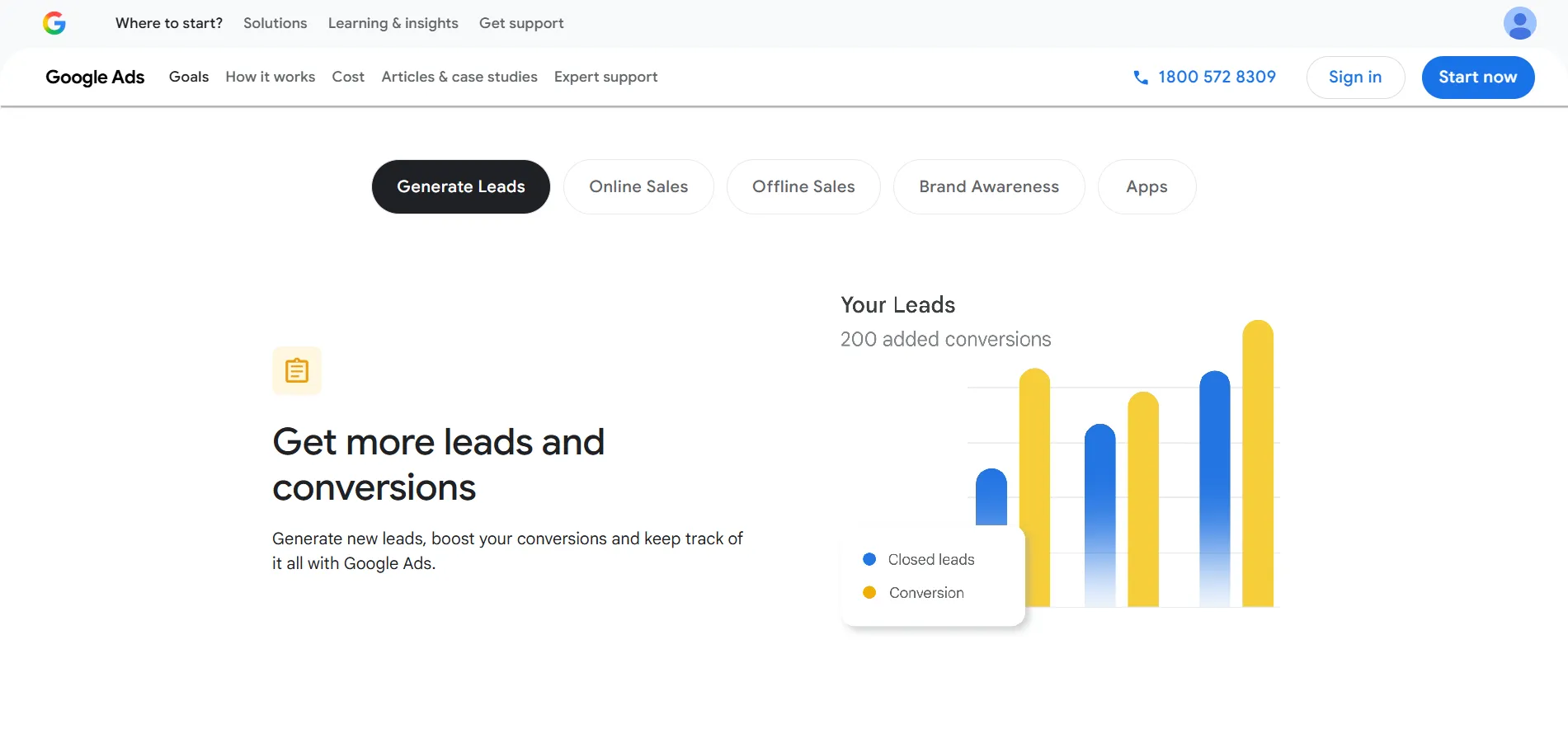
When you start a new campaign, Google asks for your primary goal. This selection tells the algorithm which specific outcome to prioritize. The full list of objectives includes:
- Sales: Best for driving direct purchases online, within an app, or over the phone.
- Leads: Focused on gathering contact information from potential customers.
- Website Traffic: Designed to bring the highest volume of relevant visitors to your site.
- Product & Brand Consideration: Encourages people to explore your specific products or services.
- Brand Awareness & Reach: Aims to show your ad to as many people as possible within your target audience.
- App Promotion: Dedicated to increasing app downloads or in-app activity.
- Local Store Visits & Promotions: Optimized for businesses with physical storefronts looking to increase foot traffic.
- Create a Campaign Without a Goal: This offers the highest level of manual control, allowing experts to build a campaign without any pre-set algorithmic filters.
Step 4: Campaign Type Selection
After defining your goal, you must choose your campaign type, which determines where your ads will physically appear across the internet.
- Performance Max: An AI-led campaign that automatically places your assets across YouTube, Search, Maps, Gmail, and more to find conversions wherever they are.
- Search: These are high-intent text ads triggered by specific user searches.
- Display: Visual banner ads that appear on millions of partner websites and apps.
- Video: Dedicated placements within YouTube videos to engage users through motion and sound.
- App Campaigns: If your goal is to increase mobile app installs or in-app engagement, this campaign automates your targeting and bidding across Google’s largest properties.
- Shopping: Direct product listings that show photos and prices to shoppers.
Step 5: Geographic & Language Targeting
To avoid wasting money on clicks from people you cannot serve, you must define your boundaries. Google allows you to target by country, city, or even a specific radius around your location.
A critical detail here is the Targeting vs. Presence setting. You should almost always select “Presence: People in or regularly in your targeted locations.” If you leave it on the default “Presence or Interest,” your ads might show to someone in another country who is merely researching your city, leading to irrelevant traffic and wasted spend. Ensure your language settings align with the ad copy you intend to write.
Step 6: Bidding Strategy Configuration
Bidding is the logic used to win the Google Ads auction. You have two primary paths to choose from:
- Automated (Smart Bidding): This includes strategies like Maximize Conversions, Target CPA (Cost Per Acquisition), and Target ROAS (Return on Ad Spend). These use machine learning to adjust your bid in real-time for every single auction based on the likelihood of a sale.
- Manual/Traffic Based: Options like Maximize Clicks are useful for gathering data quickly, while Manual CPC gives you a “hard ceiling” on how much you are willing to pay for an individual click. Target Impression Share is best for those who want to ensure their ad is seen at the top of the page at all costs.
Step 7: Budgeting & Pacing
Your daily budget is the average amount you want to spend each day. However, Google uses the “30.4 Rule” for pacing. Because search traffic fluctuates, Google may spend up to double your daily budget on a high-volume day to ensure you don’t miss out on valuable leads. Over the course of a month, however, the system will never charge you more than your Daily Budget × 30.4 (the average number of days in a month). This provides a balance between flexibility and financial safety.
Step 8: Keyword Strategy & AI Match Types
Keywords are the foundation of Search campaigns. You should start by using the Keyword Planner to find terms with high search volume and commercial intent. Once you have your list, you must apply match types to control how closely a user’s search must match your keyword:
- Broad Match: Offers the widest reach; the AI shows your ad for searches related to your keyword.
- Phrase Match: Your ad shows for searches that include the meaning of your keyword.
- Exact Match: The most restrictive; your ad only shows when the search has the exact same intent or meaning as your keyword.
Step 9: Negative Keyword Filtering
While keywords tell Google what you want, negative keywords tell Google what to avoid. This is your primary tool for cost-cutting. You should add exclusions at the account or campaign level to prevent your ads from appearing for “junk” searches. Common examples include words like “free,” “jobs,” “cheap,” or “training” if those terms don’t align with your business model. Proactive filtering ensures your budget is reserved for users who are ready to make a transaction.
Step 10: Creative Ad Development (The “Asset” Method)
Google now utilizes Responsive Search Ads (RSAs), where you provide a library of text and images for the AI to test. You can provide:
- Up to 15 Headlines (30 characters each).
- Up to 4 Descriptions (90 characters each).
You can also use the AI Creative Assistant to help generate variations based on your website’s content. Google will automatically mix and match these components to find the specific combination that yields the highest Click-Through Rate (CTR) for different types of users.
Step 11: Integrating Ad Assets (Extensions)
Ad Assets make your ad physically larger and more informative, which naturally improves your performance. You should integrate as many relevant assets as possible, including:
- Sitelinks: Direct links to specific pages like “Price List” or “Contact Us.”
- Callouts: Bulleted benefits like “24/7 Support” or “Free Shipping.”
- Image Assets: Visuals that appear next to your text.
- Phone Numbers & Lead Forms: Allowing users to call or submit info directly from the search result.
Step 12: Review, Policy Check, & Launch
The final step is the “pre-flight” check. Google will provide an Ad Strength score; you should aim for “Good” or “Excellent” by ensuring your headlines are unique and include your keywords. The system will also scan for policy or copyright violations. Once the review is clean and your billing info is confirmed, you can launch the campaign. Keep in mind that for the first 7–14 days, the campaign will be in a “Learning Phase” where performance may fluctuate as the AI stabilizes.
Google Ads Best Practices for Success
Even with a perfect setup, long-term success requires specific Google Ads strategies. The following best practices are given below:
1. Curate a Focused Keyword List
Instead of targeting hundreds of terms, stick to 10–20 high-intent keywords that directly relate to your offer. Failing to do this results in a thinned-out budget and ads appearing for irrelevant searches, which lowers your Click-Through Rate (CTR). High relevance is the key to a lower Google Ads cost.
2. Proactively Use Negative Keywords
Regularly update your exclusion list to filter out irrelevant searches (like “free” or “jobs”) and save your budget for buyers. Ignoring this means you pay for “junk clicks,” often draining your daily budget before you ever reach a real customer.
3. Design Dedicated Landing Pages
Always send traffic to a specific page that matches the ad’s promise rather than the generic homepage. Sending traffic to a homepage confuses users, leading to high bounce rates and wasted ad spend. If your ad is for “Blue Suede Shoes,” the user should land on a page showing only blue suede shoes.
4. Prioritize Conversion Tracking
Ensure your tracking tags are active so you can measure ROI and give the AI the data it needs to optimize. Running ads without tracking is like flying blind; you won’t know which keywords are making money, and Google’s AI won’t know how to find more buyers.
5. Master Keyword Match Types
Use a strategic mix of Phrase and Exact Match to maintain control over your ad’s relevancy before experimenting with Broad Match. Using Broad Match carelessly allows Google to show your ad for vague terms, significantly increasing your Cost Per Acquisition (CPA).
6. Maintain a Consistent Optimization Schedule
Set aside time weekly to review search terms, adjust bids, and refresh underperforming ad copy. A “set it and forget it” approach leads to performance decay as competitors out-optimize you and your Quality Score drops. This is a core part of any successful Google Ads strategy.
7. Optimize for the Mobile Experience
Ensure your website loads fast and is easy to navigate on smartphones, as the majority of Google searches now happen on mobile. Neglecting mobile users results in poor conversion rates and higher costs, as Google penalizes sites with a bad mobile experience.
8. Respect the Learning Phase
Allow your campaigns at least 7–14 days to gather data before making major changes or pausing them. Pausing or editing too early resets the algorithm’s progress, keeping your campaign in a permanent, expensive “Learning” state. Patience is often the best Google Ads tip.
How Much Does It Cost to Advertise on Google?
Many beginners ask about the Google Ads cost before they start. The truth is, there is no fixed price. Google Ads is an auction-based system, which means the Google Ads price is determined by several factors:
- Industry Competition: Legal and insurance keywords can cost $50 per click, while hobby keywords might cost $0.50.
- Keyword Demand: How many people are searching and how many advertisers want that space.
- Location: Advertising in New York City is more expensive than in a small rural town.
- Quality Score: As discussed, a better ad costs less.
Typical CPC Ranges
On average, the Cost-Per-Click (CPC) on the search network is between $1 and $4. On the Display Network, it is usually under $1. However, focusing on the cost of the click is the wrong Google Ads strategy. Instead, you should focus on your Cost-Per-Acquisition (CPA).
How to Calculate ROI
If you spend $100 on ads and get 100 clicks, and 5 of those people buy a $100 product, you have spent $100 to make $500. Your ROAS is 5x. When your ROAS is high, that is the signal to increase your budget and scale.
Is Google Ads Better Than SEO?
This isn’t a “one or the other” choice; it’s about timing and goals.
- Paid Advertising (Google Ads): Offers immediate results, total control over where you appear, and is easy to scale. However, the traffic stops the moment you stop paying.
- Organic SEO: Takes a long time to build but provides “free” traffic in the long run. It is more sustainable but less predictable.
When to use both: An integrated digital marketing approach is best. Use Google Ads to generate immediate revenue and test which keywords convert best. Then, use that data to inform your SEO strategy, focusing your content efforts on the keywords you already know are profitable.
How to Use Google Ads in a Nutshell
Learning how to advertise on Google Ads is one of the most valuable skills a business owner or marketer can acquire. It transforms your website from a static brochure into a living, breathing sales engine. Throughout this Google Ads guide, we have seen that success isn’t just about bidding the most money; it’s about relevance, tracking, and continuous optimization.
The final takeaway is that Google Ads is measurable, scalable, and incredibly powerful when done correctly. Start small, respect the learning phase, and use the data to grow. Your customers are already searching for what you offer. Now you just need to ensure they find you at the right moment.
Frequently Asked Questions
How long does it take to see Google Ads results?
While your ads can appear almost immediately after passing the review process, seeing stabilized, meaningful results takes time. The platform enters a “Learning Phase” where the algorithm tests different placements and audiences to see what works. You should allow the system enough time to gather data and calibrate its bidding strategies before judging the campaign’s true performance.
Is Google Ads good for small businesses?
Absolutely. One of the greatest advantages for small businesses is the ability to compete on a level playing field with global brands. Because you only pay for actual clicks and can target very specific local areas or niche keywords, you can ensure your limited budget is spent only on the most qualified prospects rather than broad, wasted impressions.
What is a good Google Ads budget to start with?
A “good” budget is one that allows you to generate enough clicks to gather statistically significant data. Instead of focusing on a specific currency amount, you should consider a budget that covers at least 10–20 clicks per day for your target keywords. This ensures the AI has enough information to learn and optimize your campaign without your daily limit being exhausted after just one or two visits.
Can beginners run Google Ads successfully?
Yes, beginners can certainly find success, provided they follow a structured approach and avoid the common pitfall of “setting and forgetting” their account. By learning the fundamentals of keyword intent and conversion tracking, you can effectively master how to advertise your business on Google without needing to hire an expensive agency right away.
Do I need a website to advertise?
While you don’t necessarily need a massive multi-page website, you do need a high-quality landing page where users can take action. Some specific campaign types, like Lead Form Assets or Call-Only ads, allow users to interact with your business directly from the search results, but having a dedicated, mobile-optimized page is still the best way to build trust and close a sale.